eval-adau1701 hardware and latest software usb driver issue
I'm trying to resurrect a project using some EVAL-ADAU1701 eval kits from 2011. I have used them in the past with Ver 3.11 and everything was fine. I have loaded version 3.12 and 3.13 beta and the USBi driver loads and I can see the driver in Windows 7 but when I link compile download I get a communication failed in the lower right corner and a pop up message that says USB communication failure. I have 3 sets of the eval kits and none of them work. When I first plugged in the USB dongle I think it downloaded new firmware to the dongle. Did the hardware change and the old hardware is no longer supported? What is the best way to get this up and running? Go back to old version?
Thanks, John
Hello John,
The 1701 eval board really has not changed much. I would have to research but the board I have here on my desk is from 2011.
The USBi also has not changed too much. There are some series resistors that were added but that should not be an issue as well. Also, it is not possible to update the USBi software from the USB driver so the software was not changed when you plugged it into your system.
So if I go through my usual checks when I run across the same problem we may run into your issue.
First, there is a jumper J3 that selects the source of the power on the eval board. Make sure J3 is installed so it gets power from the USB connection. You should see the LED on, that is D3 on my board.
Make sure S1 is to the right, away from the ADAU1701. This is to select the crystal rather than an external master clock.
Then in SigmaStudio, under the hardware configuration tab, make sure I2C is selected. "I2C 0x68 (104)". This is the pull down box next to where the gui for the 1701 attaches. This is often what I find to be a problem when I get comms errors.
You should see the I2C LED turn on that is on the USBi and see it flickering if it is transmitting data.
Let me know how all this goes then we can move forward from there.
Dave T
Dave, my usb power jumper is jumped and S1 is to the right and I get a green LED on the target board red LED on programming board. yellow I2C is solid once I plug in and starts to flash when I hit link compile download but it never stops blinking after a minute I get the message in my attachment. The i2c is selected as (104) as you recommended. I have tried all 3 target boards and all three programmers. No luck
Hello John,
OK, this is strange... I assume you only have one board and one USBi connected at a time?
There are a couple of interesting details. Usually when I see this happen (like when I forget to apply power to a board) the yellow LED flashes for only a split second then the message pops up right away because the USBi never got the ACK for the first transmission. You say it continues to flash which means it is transferring lots of data and the DSP is supplying ACKs. So this has me scratching my head a bit. You can try to go back to ver 3.11 but I don't expect any change.
I am wondering if it could be in the project file. I have attached a small project that takes audio in, uses the one GPIO pot in the eval board for a volume control and sends it out of the headphone output jack. see if this does the same thing.
Did you download the newest revision? It is dated in September. You can also try that if you did not.
Try a different USB port?
What brand of computer are you using?
Dave T
Dave, I don't see the attachment. Can you please email to jbtechdesign@gmail.com
I only have one board connected at a time. I have tried all 3 usb ports on my HP laptop. How can I find the version 3.11? I went to the download site but the link says its not supported. I just downloaded last week both 3.12 and 3.13
Dave, another thing I remember is that the old version was sigma studio 3.3. Why is latest versions of a lower revision?
Hello John,
You are thinking of the rev numbers as single digits with decimals between. 3.3 is really 3.03 so 3.13 is many revisions newer. Ten to be precise.
I thought you had the newer versions. If you were running rev 3.3 before there were some significant changes made so I think trying to compile an old project might be the problem.
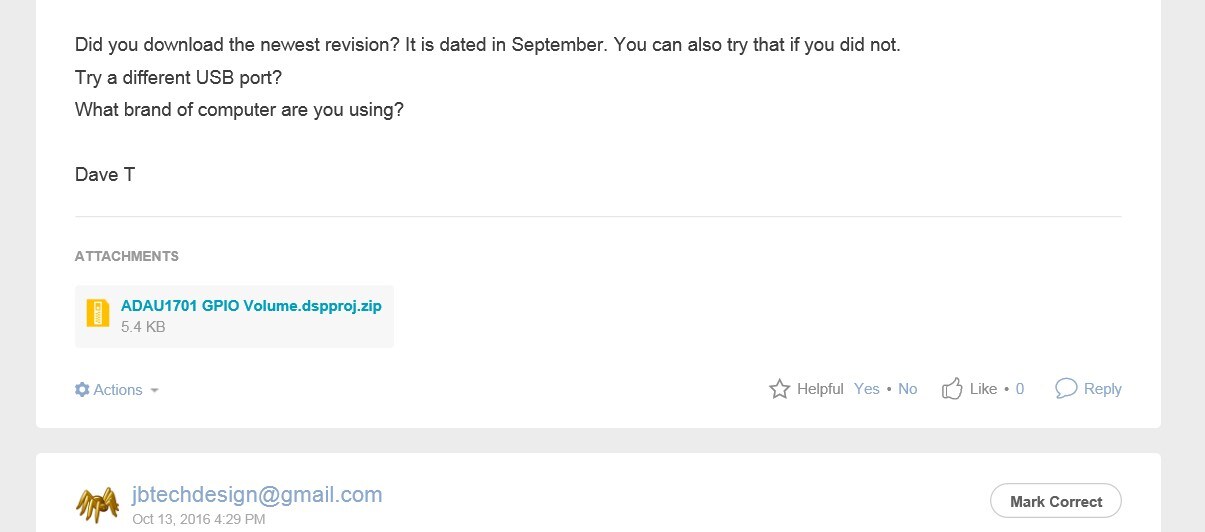
My attached file is at the bottom of my last post. Here is a screenshot of what I see on my computer.
You can see the link to the zipped file in the middle of this screenshot.
So try this project.
Thanks,
Dave T
Dave, I downloaded your project and I get a little different result but it still fails. In the lower right it says Active Downloaded then after about 30 seconds it says compiled comms failed. The I2C LED never stops blinking. I noticed I had a EEprom connected in my design, I removed it and not is behaves just like your program but still does not work.
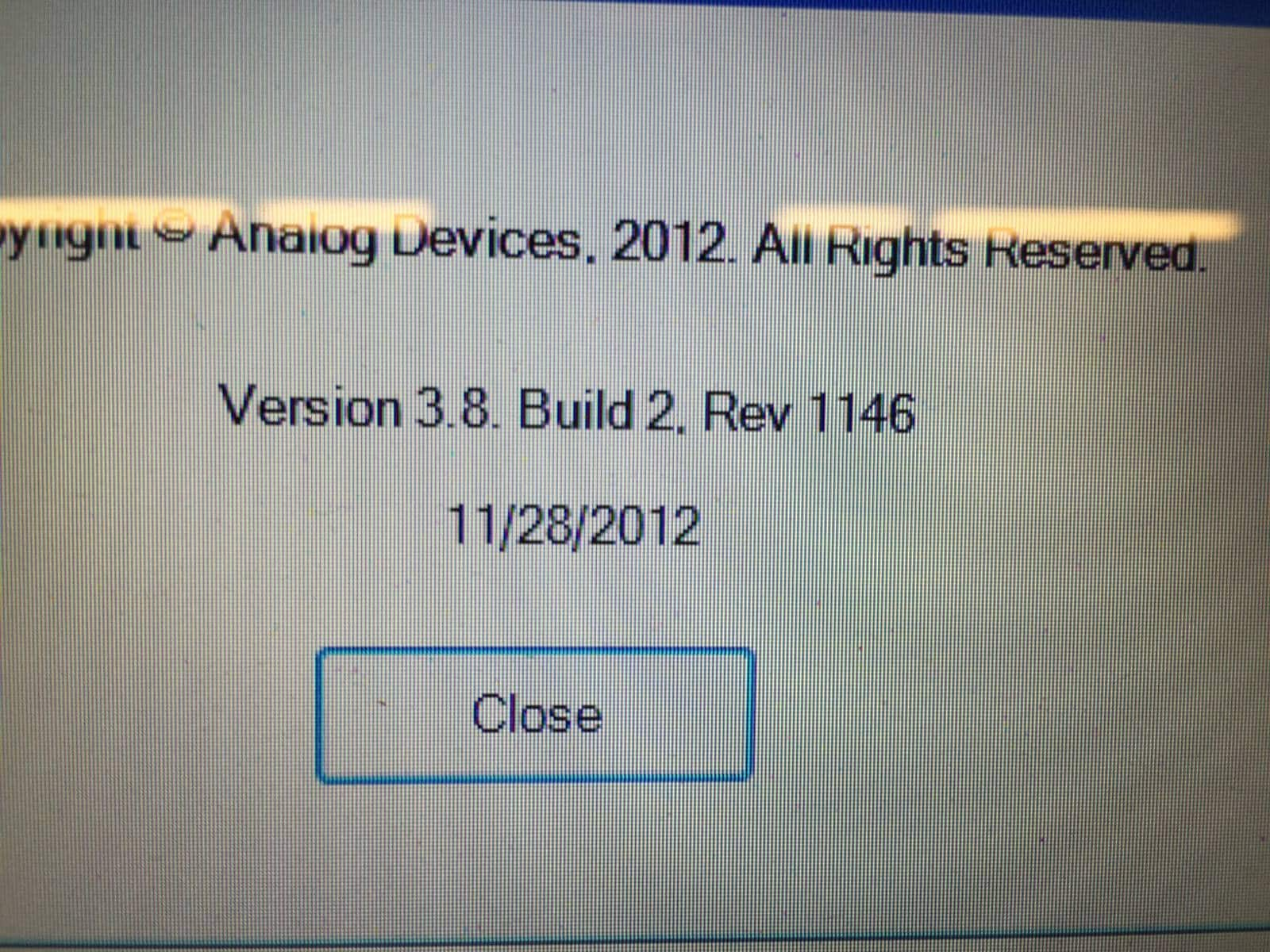
Dave, here is a screen shot of the old version I used that use to work with these boards the Version is 3.8 See photos.
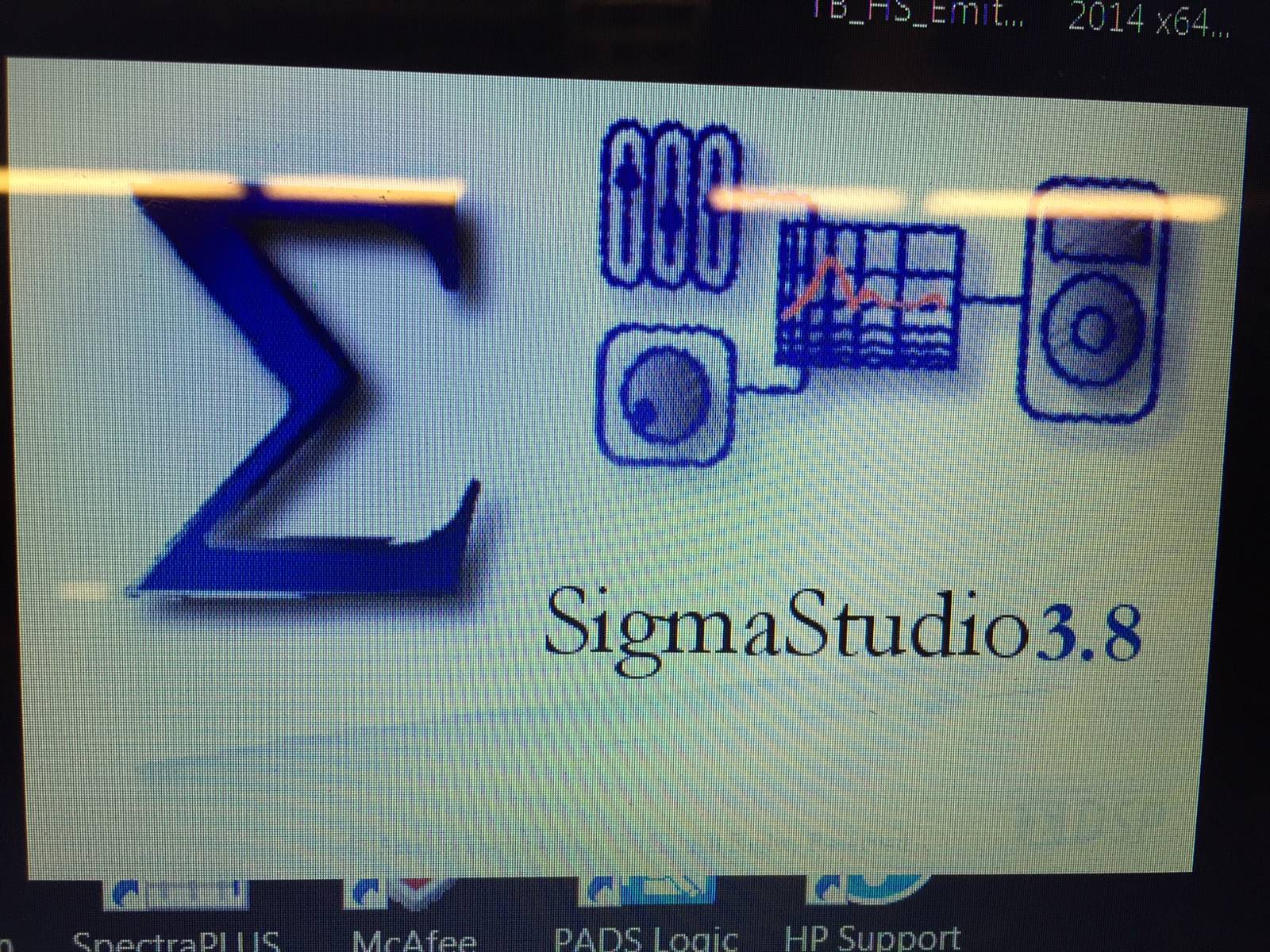
Hello John,
I have been doing a lot of thinking... I am wondering if there are still some old drivers in your system? You could try an un-install and re-install.
Where are you located in the USA?
These eval boards hold up rather well. I would doubt that three of them are bad. Along with the USBi interfaces! So it seems like it would be something in the computer. I will think about this some more.
Dave T
Hello John,
I just saw these screenshots. I will check with the software guys but I seem to remember that there was a big difference between versions 3.8 and 3.9. So this may be an issue of old driver files hanging around. I do not have version 3.8 in my computer but I do have 3.5... However, that said, we need to make this work with the recent revision. Lots has changed so you want to be up to date.
What is the software rev number on the USBi? If there is no sticker then right under the word "eval" is a date code.
Dave T
There is a white sticker on the USBi and it says S14740 and below that it says S/N 148.
I really need to get this up running as my customer is currently using an AKM IC and I want to use the ADI solution in its place. Is there any way I can get these units replaced in order to get me back up running.
Thanks, JB
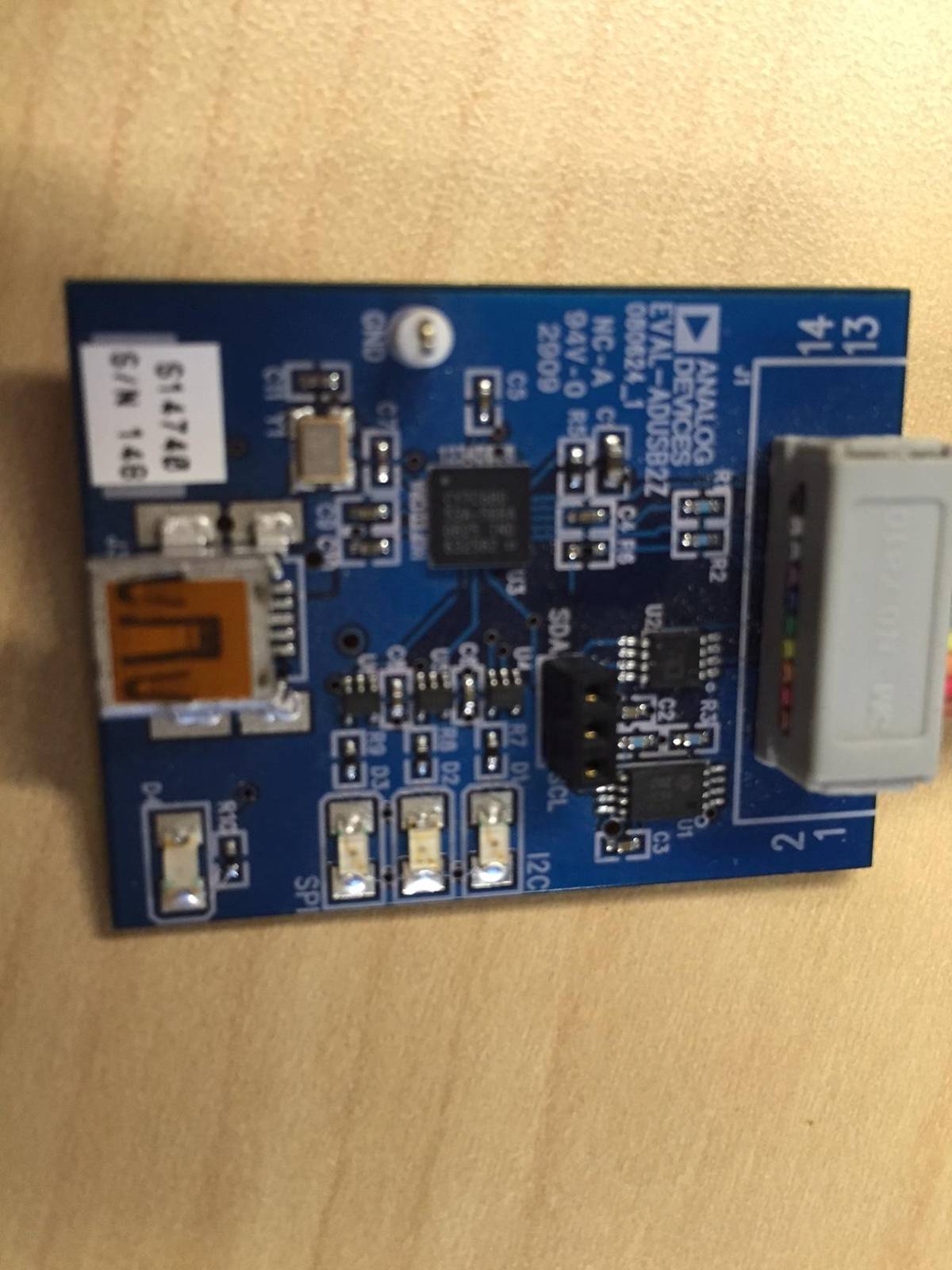
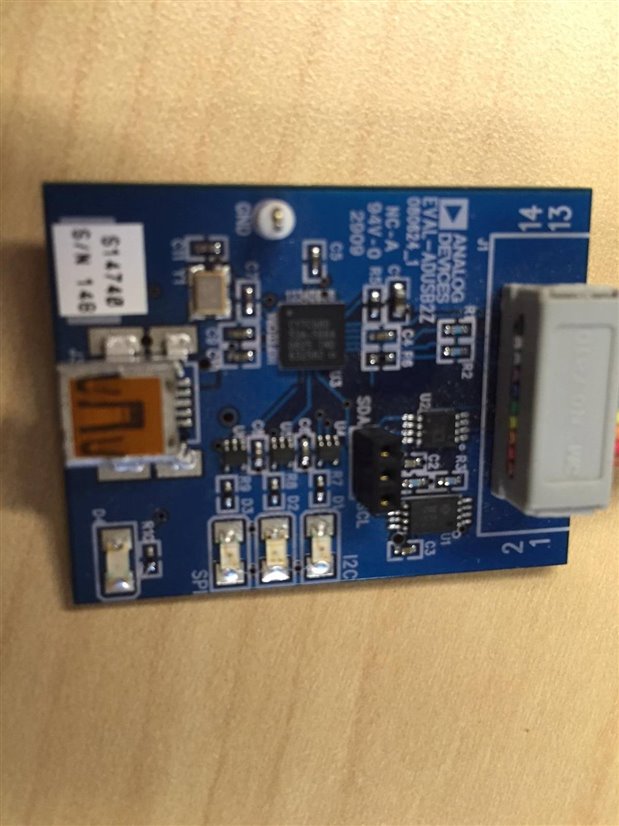
Dave, I am in San Diego, CA
Dave, the laptop I am loading onto does not have an old version loaded. It was a fresh install. The screen shot is from the old development computer which had version 3.8. We are located in San Diego, CA
John
Please log in to reply.